Reviews
Authentication methods compared: password managers, passkeys, security keys and SMS codes
Six authentication methods compared on what proves access, phishing resistance, device dependence, backup and recovery, and account lockout risk.
What to take away
- A password manager stores credentials. It is not a second factor by itself.
- Passkeys and security keys resist phishing because the credential is bound to the real domain.
- A typed authenticator code can be relayed by a fake site inside its validity window.
- SMS codes beat a password alone, and still depend on whoever controls the phone number.
- Recovery is often the weakest link. Register a second method on high-value accounts.
Comparison table
Authentication methods compared
Password
- What proves access
- Shared secret
- Phishing resistance
- No
- Main dependency
- Memory or manager
- Recovery concern
- Reset channel
Passkey
- What proves access
- Private key
- Phishing resistance
- Yes
- Main dependency
- Device or sync
- Recovery concern
- Device loss
Security key
- What proves access
- Hardware key
- Phishing resistance
- Yes
- Main dependency
- Physical key
- Recovery concern
- Lost only key
What proves access
- Password
- Shared secret
- Password manager
- Stored secrets, opened by one passphrase
- Passkey
- Private key held by the authenticator
- Authenticator app
- Time-based code or push prompt
- Security key
- Hardware-held private key
- SMS code
- Code sent to the phone number
Phishing resistance
- Password
- No
- Password manager
- Depends on the stored method
- Passkey
- Yes, when bound to the service domain
- Authenticator app
- No for typed codes
- Security key
- Yes, with a suitable protocol
- SMS code
- No
Main dependency
- Password
- Memory or manager
- Password manager
- Vault, device, vault account
- Passkey
- Device or sync account
- Authenticator app
- Enrolled phone or seed backup
- Security key
- The key and a compatible port
- SMS code
- Carrier and number control
Recovery concern
- Password
- Reset channel
- Password manager
- Vault recovery
- Passkey
- Losing the device and the ecosystem
- Authenticator app
- Phone loss, unsafe export
- Security key
- Losing the only key
- SMS code
- SIM swap, number change
Password managers
A manager generates and stores a unique password per site, then fills it. Domain-aware filling helps you notice a lookalike address before you type.
The vault now holds everything, so treat it as a high-value account. Use a strong passphrase, second factor, device lock, and updates. Also use export controls and a recovery plan.
A manager does not convert one password into two factors. Some also store passkeys or one-time codes, which is convenient and concentrates your methods in a single system.
Passkeys
A passkey is a key pair. The private half stays in your authenticator; the service keeps the public half. The protocol binds the credential to the real domain, so a copycat page gets nothing usable.
Passkeys are either device-bound or synced through a platform account. Syncing keeps you signed in across devices and makes that platform account part of your security and recovery model. Before relying on a single passkey, check sharing, device removal, export, and whether your other devices and browsers accept it.
NIST's digital identity model separates knowledge, possession, and biometric factors, and notes that a password plus a PIN is still one factor because both are things you know. It also ties authenticator types to phishing resistance and assurance levels. That model shapes this comparison; it does not grade any consumer product.
Authenticator apps
Most apps derive time-based codes from a shared enrollment secret. A fake site can ask for the code and pass it on within seconds. Push prompts can be abused too, through repeated approvals or vague details.
Turn on number matching where the service offers it, and read the details before approving. Protect the phone, the enrollment seed, and the transfer process. Do not photograph a setup QR code or leave it in a photo gallery.
Security keys
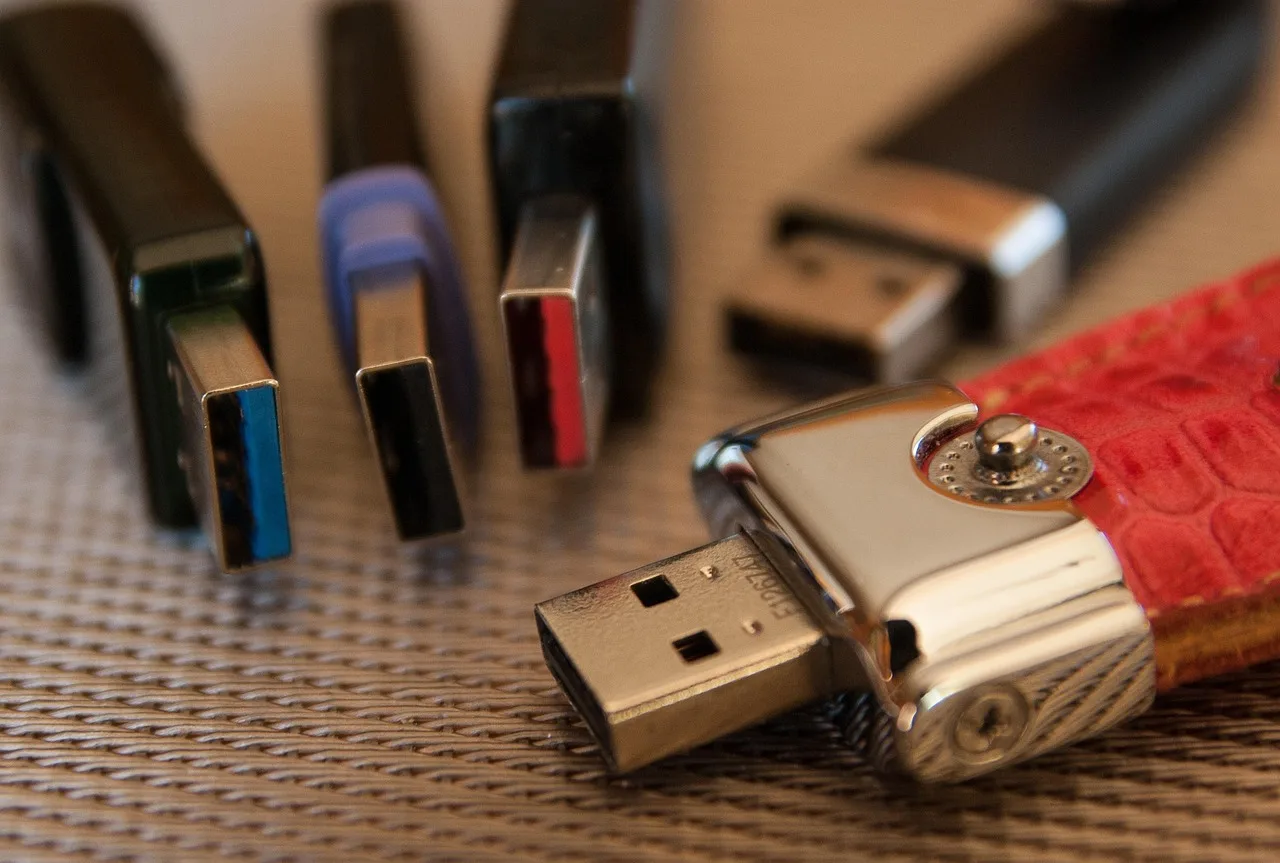
A hardware key holds cryptographic material and can use a protocol tied to the service domain, which defeats the common relay attack. Whether a key works for you depends on several factors:
- service support
- ports
- near-field communication
- browser
- operating system
- accessibility needs
Register a second key and store it somewhere else. Label keys by purpose rather than writing the account name on one that could be found.
SMS codes
SMS sends a code to a phone number. It stops an attacker who has only your password. It does not stop a fake site that captures the code, or a SIM swap that moves your number to another handset.
The FTC's explanation of two-factor authentication methods compares text and email codes, authenticator apps, and security keys, and warns about SIM swaps and code sharing. It supports the risk distinctions here, not a promise that any one app or key prevents every takeover.
Put a carrier PIN or port-freeze on the number, and move to a stronger method where the service offers one. If SMS is the only second factor available, it still beats a password alone.
Build a layered choice
For a high-value account, pair a phishing-resistant primary method with a separately stored backup. Add printed recovery codes, current recovery contacts, a session review, and login alerts. For low-impact accounts, a unique managed password plus whatever second factor exists is proportionate.
Common questions
Is a fingerprint or face scan a passkey?
No. The scan opens a local authenticator. The passkey is the cryptographic credential that authenticator holds and presents to the service.
Is an authenticator-app code phishing-resistant?
Not when you type it. A fake site can relay the code to the real service during its short validity window, which is why number matching and push context matter.
Can a password manager hold passkeys?
Some can. Check device support, sync, sharing, and export before you commit your main accounts to it. Also check account security and recovery first.
What makes a good backup method?
One that the service supports, that you have actually tested, and that is not stored or lost alongside your primary method.