Features
Recovering a fictional creator account after a stolen session case
A stolen session on a creator account can outlive a password change, so recovery starts with evidence, a clean device, and platform revocation.
What to take away
- A live session token can keep an account open while the password stays unchanged.
- Record session IDs, timestamps and post identifiers before you revoke anything.
- Global sign-out does not always kill app passwords, API tokens or delegated roles.
- Rebuild access from a device you never used for the compromised account.
- Close the case as contained, never as proven safe.
Rina Vale is a fictional creator on the fictional platform FramePost. Every person, provider, device, date and result here is invented. Treat it as reasoning practice, not incident-response or legal advice.
The first signal
A sponsor comment arrives with a document attached. Rina opens it on an outdated personal laptop. Two hours later a follower reports an investment post on her channel.
She can still sign in, and her password manager shows no password change. That combination points at a stolen session rather than a stolen password: the account stays open because the token is still valid.
The team writes down several items:
- times
- message headers
- the attachment hash
- screenshots
- platform alerts
- post identifiers
- the laptop's state It does not conclude that the attachment caused the event.
Build a clean control point
Rina stops using the laptop for account work and disconnects it from the network without wiping it. From a separately updated phone on a trusted connection, she types the platform address and reads its incident page.
Her primary email is secured first. The team reviews its sessions, forwarding rules, recovery addresses, filters, delegates and sent mail. Nothing unexplained appears. The password manager and mobile carrier get the same check, because email is the reset path for both.
Preserve, then revoke
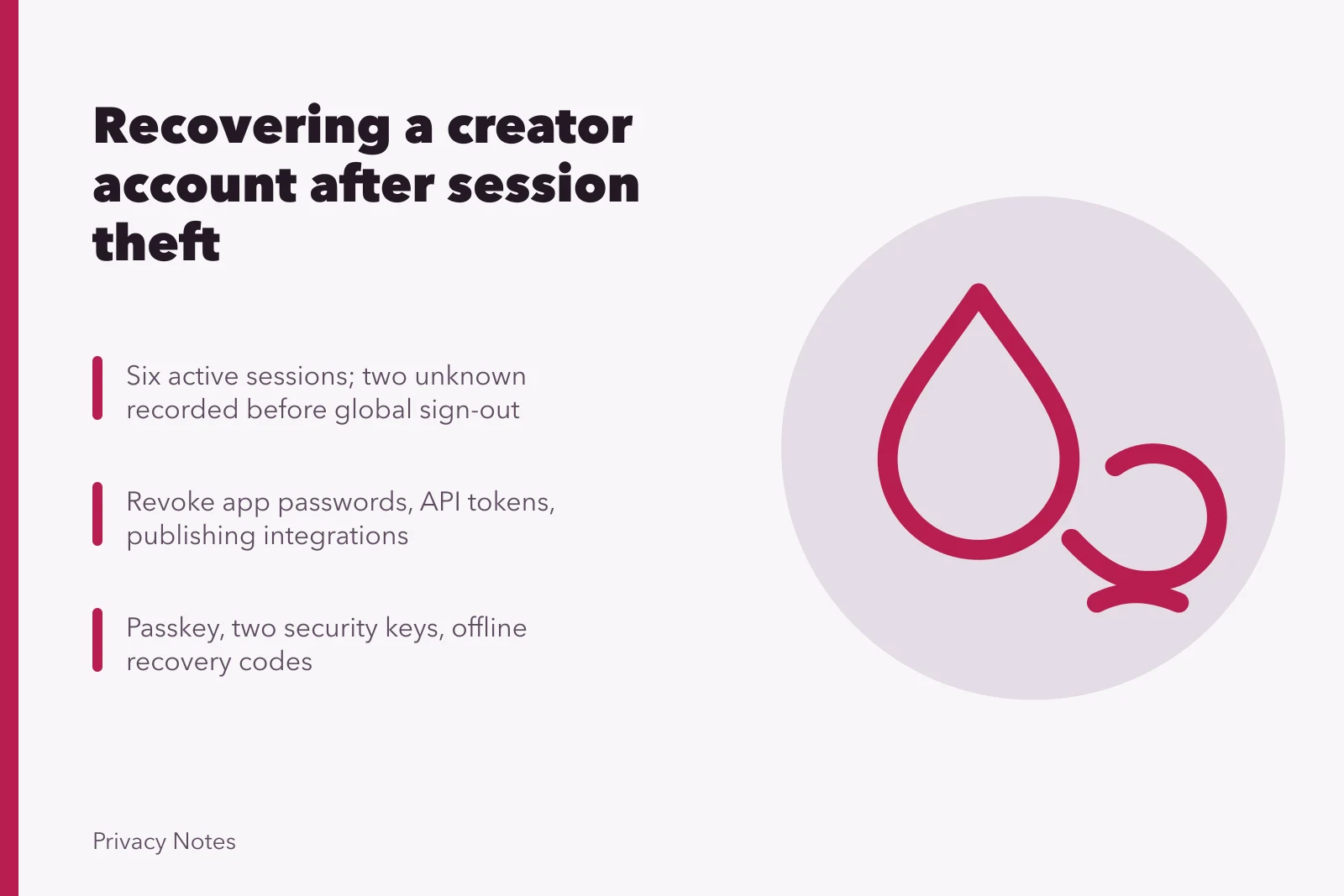
FramePost lists six active sessions. Rina recognizes four. The team records the two unknown entries, then runs the platform's global sign-out. Every known device must sign in again.
It also revokes app passwords, API tokens and third-party publishing integrations. The FTC's guide to recovering a hacked email or social media account covers this order:
- Follow provider recovery steps
- Change the password
- Sign out all devices
- Turn on two-factor authentication
- Check recovery information
- Inspect forwarding and sent content
- Warn contacts
It does not confirm what happened in this case.
Replace authentication
From the clean phone, Rina sets a generated unique password. She removes an old text-message factor, enrolls a passkey, registers two security keys, and stores one key off-site. Recovery codes go into an offline envelope and an encrypted vault with limited access.
She tests one key and the passkey in separate sessions before removing the last old method. Each successful binding sends an alert to an independent email address.
Audit who still holds control
| Control surface | What to check |
|---|---|
| Recovery | Recovery email, phone, trusted contacts |
| People | Administrators, agency and delegate roles |
| Content | Scheduled posts, drafts, sent mail, direct messages |
| Money | Payout destination, tax profile, ad accounts |
| Tokens | App passwords, API keys, connected tools |
One unfamiliar scheduler still holds a valid token after the session reset. The team removes it and has the platform confirm revocation. A staged investment post is deleted once its evidence is saved.
Control surfaces to audit
- Recoveryemail, phone, trusted contacts
- Peopleadmins, agency, delegate roles
- Contentscheduled posts, drafts, sent mail
- Moneypayout destination, tax profile, ad accounts
- Tokensapp passwords, API keys, connected tools
Notify without guessing
Rina posts a short notice: unauthorized content appeared during a stated window, it is removed, and followers should not open its links or send money. She names no culprit and no method until evidence supports one.
The sponsor is contacted through an address already on file. Financial partners get the platform case number and a transaction review request through official channels.
Session risk in the standards
NIST SP 800-63B describes session management and reauthentication: session secrets, timeouts, termination and monitoring. It notes that a federated service session and the identity-provider session behind it can end independently, which is why both get checked here. It does not prescribe FramePost's controls or prove a token was stolen.
A qualified technician examines the outdated laptop. Those findings stay separate from the account-recovery timeline, and nothing is erased until evidence and required files are handled.
Prove closure
Forty-eight hours later the team rechecks sessions, administrators, tokens and recovery details. The team also rechecks content, payments and alerts. Only known devices and methods remain. A clean-device test confirms the passkey and the off-site key both work.
The record lists evidence, decisions, provider tickets, notifications, residual uncertainty and follow-up dates. The case closes as contained, not proven invulnerable. The cause stays "suspected session theft after unsafe attachment handling" until device evidence supports more.
Common questions
Why change the password if the access came through a session?
The password may also have been exposed, and you cannot rule that out from the session list alone. Replacing it alongside session and token revocation closes more paths than either step does by itself.
Does global sign-out revoke every integration?
Not necessarily. App passwords, API tokens, federated sessions and delegated roles often sit on separate controls that a session reset does not touch. Check each one and ask the provider to confirm revocation in writing.
Why preserve the laptop instead of wiping it?
Wiping can destroy the evidence that establishes scope, cause, notification duties and any later dispute. Disconnect it, stop using it for account work, and hand it to qualified support before anything is erased.
When should contacts be warned?
Warn them as soon as unauthorized messages or posts could cost someone money or trust. Use confirmed facts, say plainly what you do not yet know, and give the protective step you want them to take.