Guides
How to run a practical social media privacy review
A social media privacy review maps every account, audience and content surface, including friend lists tags and old posts, before you change a single setting.
What to take away
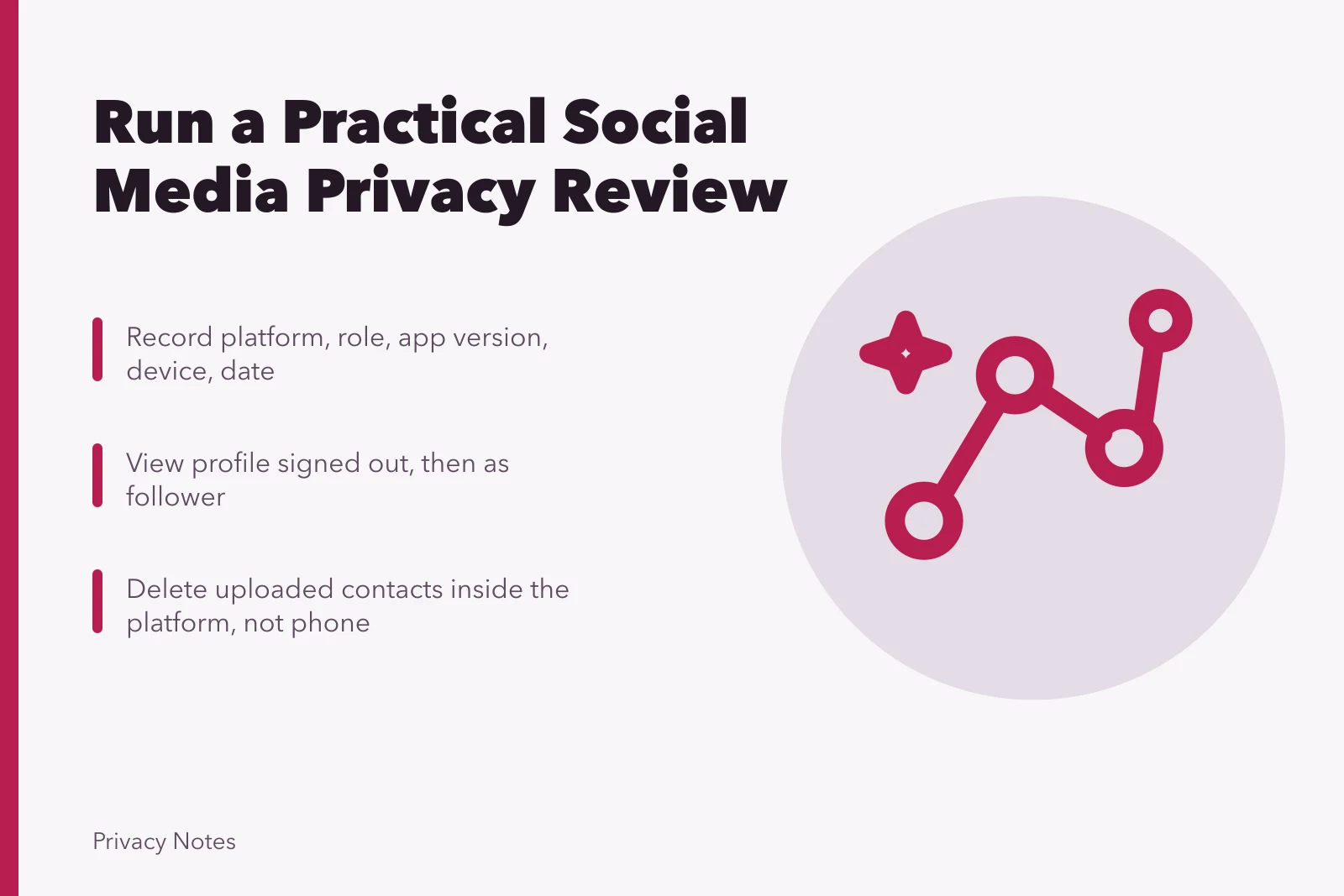
- Write down platform, account role, app version, device and review date before you touch a control.
- Look at your own profile signed out, then as a follower and a stranger, because previews miss search and embeds.
- Treat posts, stories, tags, messages and location as separate surfaces; one switch rarely governs them all.
- Clear unknown followers and active sessions before you widen an audience.
- Removing a phone permission does not delete contacts already uploaded; use the platform's contact page.
- Keep a short exception log for fields that must stay public, with an owner and a next review date.
Platform menus shift by region, age, account type, device and app version, so follow current first-party help for exact taps. On an employer, school, campaign or shared creator account, confirm who owns the content and what must be retained before you delete anything.
Inventory the accounts you actually hold
List personal profiles, work profiles, pages, groups and creator accounts. Include old usernames and any alternate identity you use lawfully. For each one, record the login email, the recovery method, the administrators and its current purpose. Keep passwords and recovery codes out of that sheet.
Account inventory checklist
- Personal, work, pages, groups, creator
- Old usernames and alternate identities
- Login email and recovery method
- Administrators and current purpose
- Flag abandoned, duplicated, suspended
Flag anything abandoned, duplicated, memorialized or suspended. A dormant account stays searchable long after it disappears from your phone.
Secure access before you change privacy
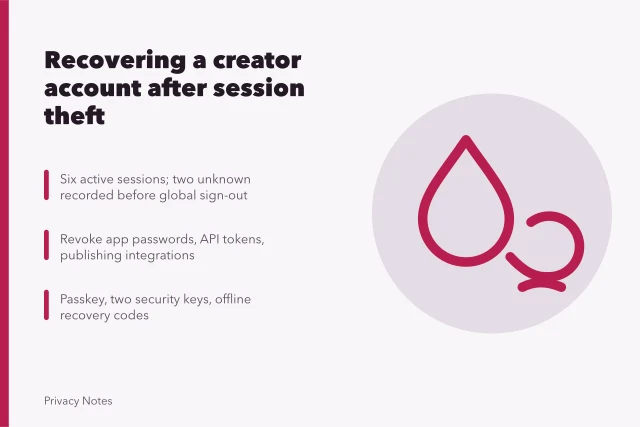
Check recent sessions, recognized devices, recovery email and phone, and linked sign-in providers. Review passkeys, multifactor authentication, app passwords and connected third-party tools. Remove every session and integration you cannot explain.
Every follower, page administrator, connected app and signed-in device is a way in. Review the list, not the setting.
Secure access first
- Check recent sessions and devices
- Verify recovery email and phone
- Review passkeys and MFA
- Remove unknown sessions and integrations
- If takeover suspected, save alerts
If you suspect a takeover, save the alerts and work through the provider's recovery process first. Changing privacy settings from an attacker's live session can hand over new recovery details.
Record what a stranger sees
Open your profile signed out. Use the view-as tool where the platform offers one, then confirm it with an outside view, because previews skip search-engine and embedded appearances.
What strangers see
- Display name, username, photo, bio
- Links and contact fields
- City, school, workplace, birthday
- Follower and following lists
- Public posts, comments, tagged photos
- Location references and cached snippets
Do not collect information about unrelated people beyond what you need to understand your own exposure.
Decide who each item is for
Write a one-page audience policy for the account, then judge every control against it.
A single account can serve several audiences at the same time. A public username may sit next to follower-only posts and a private group comment. A private account still shares set information with approved followers and with the provider.
Audience policy by material
Material
- Professional biography
- Public
- Classroom event photos
- Approved school channel only
- Family updates
- Selected relatives
- Live location
- Named recipient, one trip
- Personal phone and address
- Nobody on the profile
Intended audience
- Professional biography
- Classroom event photos
- Family updates
- Live location
- Personal phone and address
Total invisibility is not the goal. A public professional account may need a visible portfolio while keeping family ties and personal contact details out of reach.
Clean up followers and discovery
Remove unknown, duplicate and no-longer-appropriate followers, and clear pending requests. Then check how people find you: phone number, email address, contact uploads, mutual connections, search engines and suggested-account systems.
Discovery, profile visibility and post audience are three separate settings. Changing one leaves the others as they were.
Clean up followers and discovery
- Remove unknown or duplicate followers
- Clear pending requests
- Check phone and email discovery
- Review contact uploads and mutual connections
- Stop syncing and delete stored uploads
Turning off phone permission does not erase contacts already uploaded. Open the platform's contact-management page to stop syncing and delete stored uploads.
Contact syncing keeps running after you stop thinking about it. Uploading a contact list exposes relationships that involve people who never joined the service.
Walk every content surface
Walk every content surface
- Posts, stories, videos, highlights, albums
- Saved collections, reposts, comments, reactions
- Events and marketplace listings
- Group activity and archived content
- Confirm current audience and old defaults
The FTC's youth-oriented Heads Up privacy guidance makes a point that applies far beyond its intended readers: privacy settings cannot stop someone copying what they can see. It also flags location and app permissions as worth a look, though it is guidance rather than a platform manual.
Settings govern the features a platform provides. They do not control what other people copy or infer.
Ask before you keep or republish identifiable content about another person. Strip addresses, schedules, documents, badges, plates and school details that do not serve the post.
Tags, mentions and reuse
Set who can tag or mention you, and switch on review where the platform offers it. Check pending and historical tags, and remember that untagging yourself leaves the original post online.
Review the reuse controls one at a time: downloads, embeds, reposts, quotes, duets and stitches. Then remixes, templates and collaborative posts. Turn off whatever you do not need. Anyone who can view your content can still capture it.
Messages, groups and location
Check message-request rules, group invitations, read receipts and activity status. Look at disappearing-message settings, blocked accounts and linked devices. Leave obsolete groups unless doing so destroys records you are required to keep.
Search shared-media galleries, pinned messages, archived chats and group descriptions for anything sensitive. Confirm who is in a thread before you send a fresh private message.
For location, end stale live-location sessions. Tighten the device permission to the duration and precision you need. Remove location from posts where it adds risk, and check whether the background of a photo still gives the place away.
Map visibility, check-ins, event attendance, saved places, image metadata and ad targeting are separate settings.
Post after you leave a sensitive place when live timing buys you nothing.
Export, clean up, test
Request an account export if you need it for records or review, and store it securely. Export first, delete second. A deleted account takes its message history with it. It can hold messages, contacts, identifiers and location history. Then delete or archive obsolete material through the current product controls.
Repeat the signed-out and limited-audience tests. Log the exceptions, who owns each one, and the next review date. Run the whole review again after a major feature change, a role change, a safety concern or an account recovery.
Common questions
How often should I run this review?
After any major product change, a new role, an unknown login, a harassment event, or a real shift in who the account is for. A calendar date on its own is a weak trigger.
Does removing phone permission erase uploaded contacts?
No. It stops future device access only. Use the platform's separate contact control to delete contacts already stored on its servers.
Should I delete every old post?
No. Keep what still serves a purpose and has the right audience. Remove, archive or narrow the rest.
Will a view-as tool show every exposure?
No. Test signed-out search results, a trusted nonfollower's view, tags, embeds and connected services as well.